

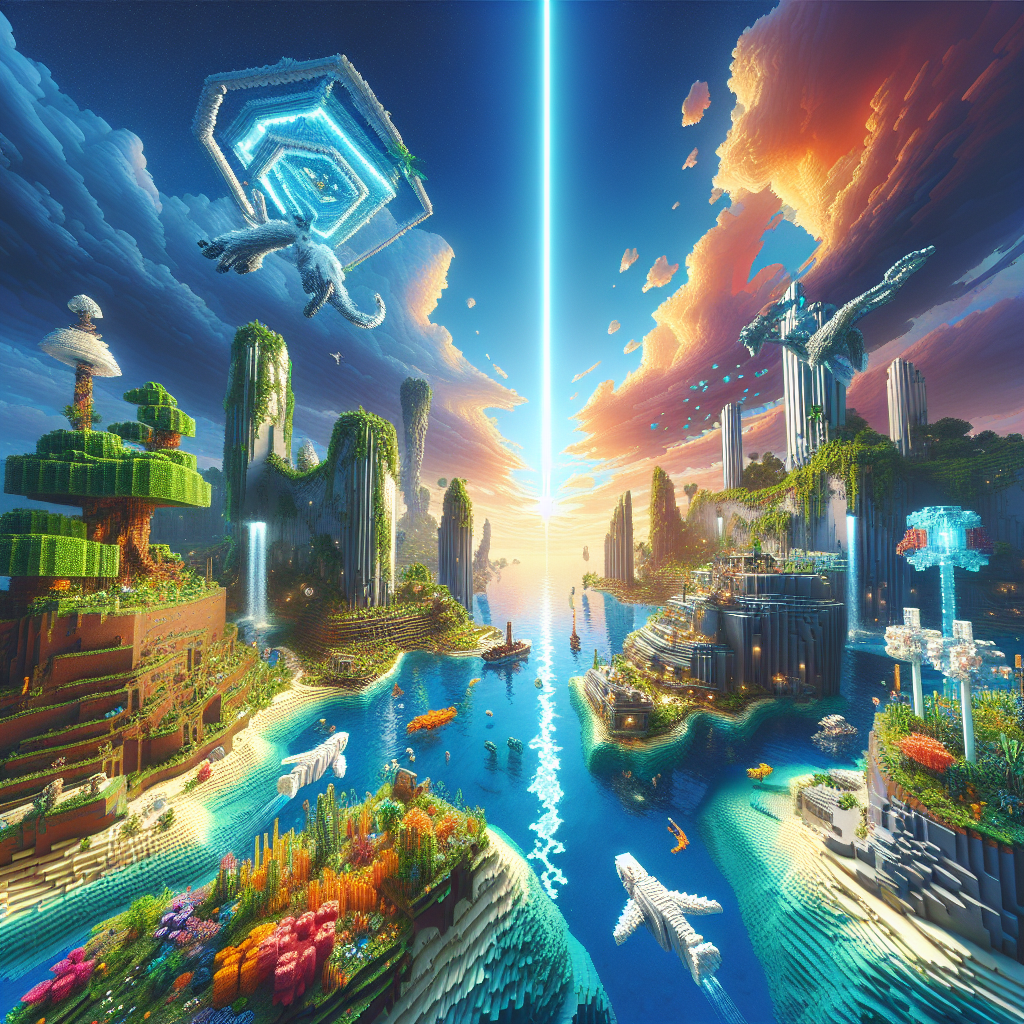
Ultimate Guide to Minecraft Shaders: Enhance Your Gameplay Experience
Minecraft, with its pixelated charm and endless creativity, has captivated millions worldwide. Despite its simplistic graphics, the game offers a vast landscape of exploration and creativity. However, for those seeking a more visually stunning experience, Minecraft shaders are the answer. This ultimate guide will delve into everything you need to know about Minecraft shaders, helping you transform your gameplay into a visual masterpiece.
What Are Minecraft Shaders?
Minecraft shaders are external programs or modifications that alter the game’s graphics and visual appearance. They enhance the game with dynamic lighting, realistic shadows, water reflections, and much more. Shaders can make Minecraft look like a completely new game, allowing players to experience its world in breathtaking detail.
Why Use Shaders in Minecraft?
1. Enhanced Visuals
Shaders upgrade the graphical quality of Minecraft’s world. Trees sway in the wind, water reflects sunlight realistically, and shadows shift with the time of day. These changes can make the game more immersive and visually appealing.
2. Improved Atmosphere
Shaders can significantly affect the game’s mood and ambiance. Whether you want a hyper-realistic world or a vibrant, cartoon-like atmosphere, there’s a shader pack for you. This customization can vastly enrich your gameplay experience.
3. Customization Options
With countless shader packs available, players have the freedom to choose styles that suit their preferences. From realistic graphics to enhancing certain aspects like lighting or textures, the choice is diverse and expansive.
How to Install Minecraft Shaders
Before diving into the breathtaking world of shaders, you need to know how to install them. Here’s a step-by-step guide:
Step 1: Install OptiFine
OptiFine is a mod that enhances Minecraft’s graphics and performance. It’s a prerequisite for running most shader packs.
- Download OptiFine: Visit the OptiFine website and download the version compatible with your Minecraft version.
- Install: Double-click the downloaded file and hit “Install.” This process will create an OptiFine profile in your Minecraft launcher.
Step 2: Download Shaders
Choose and download a shader pack from reputable sources such as:
- CurseForge
- ShadersMods
Step 3: Install Shaders
- Start Minecraft: Launch the Minecraft launcher and select the OptiFine profile.
- Navigate to Shader Folder: In Minecraft’s main menu, go to Options > Video Settings > Shaders. Click “Shaders Folder.”
- Place the Shader Pack: Move your downloaded shader file into the “shaderpacks” folder.
- Select and Enjoy: Go back to Minecraft, select the shader pack you installed, and enjoy your enhanced gameplay experience.
Popular Shader Packs to Consider
1. SEUS (Sonic Ether’s Unbelievable Shaders)
Famous for its stunning visuals, SEUS transforms Minecraft’s atmosphere with realistic lighting and shadow effects. It’s a popular choice for those seeking breathtaking realism.
2. BSL Shaders
BSL Shaders offer high-quality graphics with a good amount of customization options. It’s appreciated for its balanced performance and stunning depth of field effects.
3. Continuum Shaders
Known for its realism, Continuum Shaders provide excellent lighting effects, making Minecraft look lifelike. It’s ideal for players with high-end PCs seeking detailed graphics.
4. Chocapic13’s Shaders
These shaders are highly customizable, providing a variety of settings for different strengths of PCs. Its scalability makes it a popular choice among the Minecraft community.
Tips for Optimizing Shader Performance
Running shaders can be demanding on your system. Here are some tips to enhance performance without sacrificing too much visual quality:
- Optimize Settings: Lowering render distance, turning off anti-aliasing, and tweaking shadow settings can improve performance.
- Choose the Right Shader: Some shaders are less resource-intensive than others. Experiment to find one that balances performance and visual quality on your system.
- Upgrade Hardware: For the best experience, a powerful GPU and ample RAM are recommended.
Conclusion
Minecraft shaders offer a transformative way to experience the game, enhancing its graphics and providing an immersive atmosphere. With a variety of options available, each player can customize their world to suit their visual preferences. By following this guide, you can seamlessly upgrade your Minecraft gameplay to a mesmerizing adventure.
Unlock the full potential of Minecraft today by diving into the vibrant and visually stunning world of shaders. Enjoy a gaming experience like never before!