

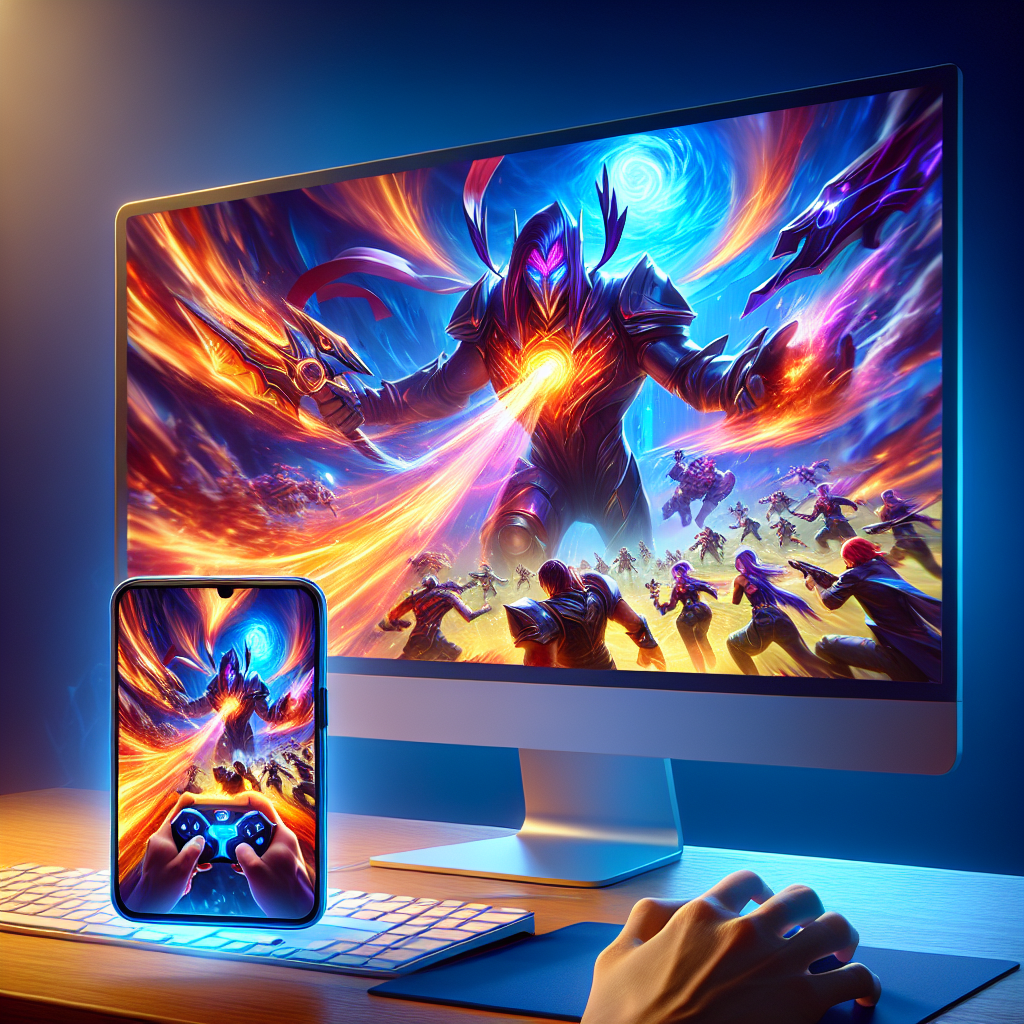
Tencent Gaming Buddy Enhances Mobile Legends Experience with Seamless Gameplay
The mobile gaming industry has experienced explosive growth over the past decade, carving out a significant space in the global entertainment market. Among the multitude of mobile games, “Mobile Legends: Bang Bang” stands out as a favorite among millions of players worldwide. Recognizing the need for enhanced gameplay experiences, Tencent Gaming Buddy emerged as a revolutionary tool, offering seamless desktop gaming for mobile titles like Mobile Legends. In this article, we will explore how Tencent Gaming Buddy elevates the Mobile Legends experience and provides gamers with unparalleled performance and convenience.
Understanding Tencent Gaming Buddy
What is Tencent Gaming Buddy?
Tencent Gaming Buddy, now known as Gameloop, is an Android emulator specifically designed for playing mobile games on PCs. Developed by the tech giant Tencent, it aims to bridge the gap between mobile and PC gaming, allowing users to enjoy their favorite mobile games with the enhanced processing power and controls of a desktop.
Key Features of Tencent Gaming Buddy
- Optimized Performance: Tencent Gaming Buddy is tailored for performance, reducing lag and enhancing graphics through better system integration.
- Customizable Controls: The emulator offers customizable keyboard and mouse controls, ensuring precision and responsiveness.
- High Compatibility: It supports a wide range of games, including Mobile Legends, along with other popular titles like PUBG Mobile and Call of Duty Mobile.
- Regular Updates: Frequent updates ensure support for new game versions and enhanced gameplay experiences.
Enhancing Mobile Legends with Tencent Gaming Buddy
Improved Graphics and Smooth Gameplay
One of the primary benefits of playing Mobile Legends on Tencent Gaming Buddy is the enhanced graphical performance. The emulator leverages your PC’s superior hardware to deliver high-definition graphics and smooth frame rates. This enhancement allows players to immerse themselves in the game’s visually striking battles without the limitations typically associated with mobile devices.
Customizable and Precise Controls
For competitive games like Mobile Legends, control precision is paramount. Tencent Gaming Buddy’s customizable control layouts enable players to tailor their setup for maximum efficiency and responsiveness. With improved mouse and keyboard inputs, players can perform complex maneuvers and react swiftly to in-game events, providing a distinct tactical advantage.
Reduced Lag and Improved Connectivity
Latency can significantly impact gameplay, especially in fast-paced multiplayer scenarios. Tencent Gaming Buddy reduces lag by optimizing data flow and processing, ensuring a more stable and less frustrating gaming experience. By handling data more efficiently, the emulator allows for smoother interactions and more reliable connectivity between players.
Seamless Cross-Platform Experience
Tencent Gaming Buddy offers seamless integration with existing mobile game accounts, allowing players to switch easily between platforms without losing progress. This cross-platform compatibility is especially beneficial for players who prefer the flexibility of switching between mobile and desktop environments.
Optimizing Your Experience with Tencent Gaming Buddy
Tips for Setting Up
- Download and Install: Start by downloading Tencent Gaming Buddy from the official website and complete the installation process.
- Customize Settings: Adjust the emulator settings to fit your hardware capabilities. Optimize graphics, resolution, and FPS settings for your PC’s specifications.
- Configure Controls: Set up custom key mappings that suit your playstyle and enhance your reaction times during gameplay.
Best Practices for Playing Mobile Legends
- Stay Updated: Regularly check for updates to both the emulator and Mobile Legends for bug fixes and performance improvements.
- Engage with the Community: Join online forums and communities to exchange strategies and tips for playing Mobile Legends on PC.
- Practice Regularly: Consistent practice helps in adapting to the desktop environment and mastering the new control scheme.
Conclusion
Tencent Gaming Buddy revolutionizes the way players enjoy Mobile Legends by providing a seamless transition from mobile to desktop gaming. With its optimized performance, customizable controls, and stable connectivity, it offers an unmatched gaming experience that caters to both casual and competitive players. By leveraging the power of Tencent Gaming Buddy, players can elevate their Mobile Legends experience to new heights, enjoying the game with enhanced graphics, precision, and convenience.
Explore the advantages of playing Mobile Legends on a larger screen with Tencent Gaming Buddy, and immerse yourself in a world of strategic battles and thrilling gameplay like never before.