

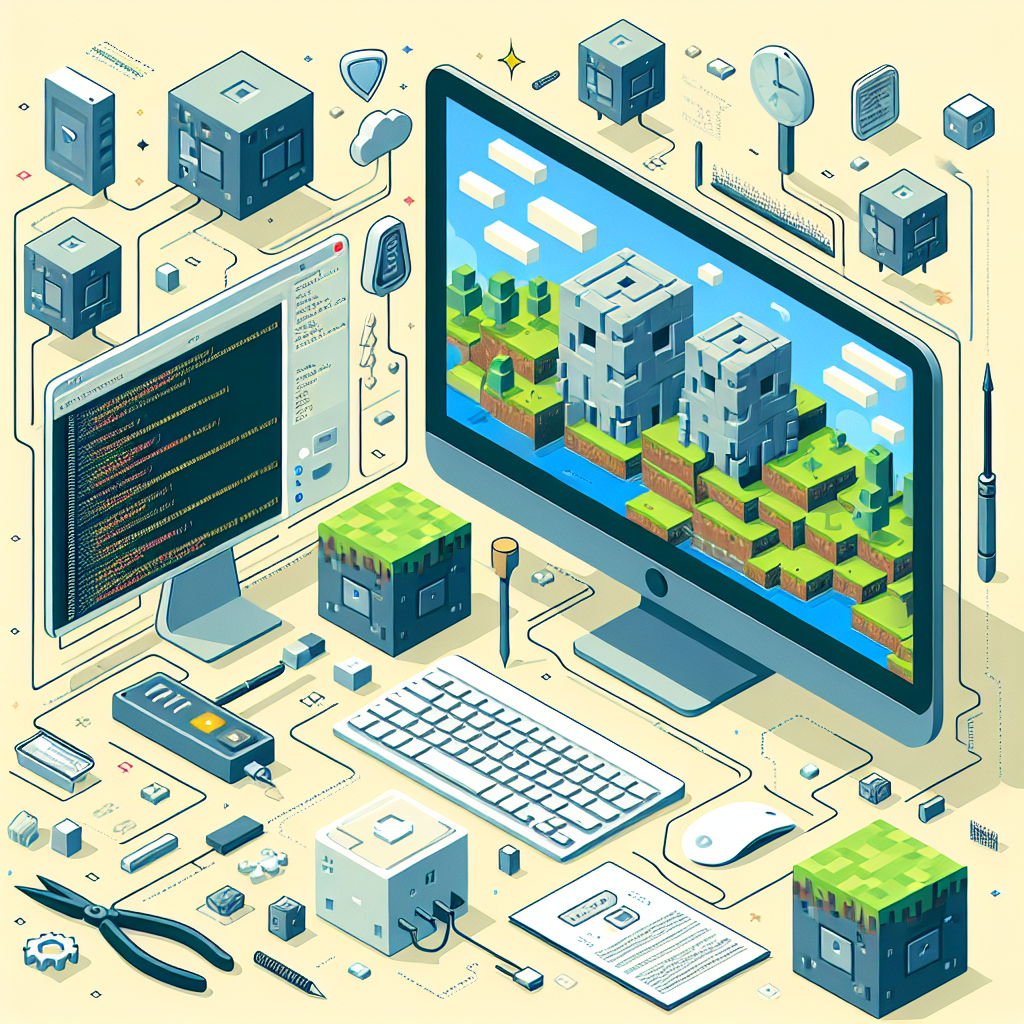
How to Set Up a Minecraft Server with Easy Crack Solutions
Minecraft is a sandbox game that has captivated millions around the world with its limitless creativity and adventures. Whether you’re aspiring to create a private playground with friends or establish a vast online community, setting up your Minecraft server can offer a more personalized and flexible gameplay experience. In this detailed guide, we’ll explore the steps to set up a Minecraft server with easy crack solutions, enabling you to get started on your multiplayer adventures quickly and efficiently.
Introduction to Minecraft Servers
Why Set Up a Minecraft Server?
A Minecraft server allows players to experience a unique dimension of the game by joining worlds with customized rules, modifications, and player communities. Hosting your server provides several advantages:
- Control: Customize gameplay rules, add mods, and create tailored experiences.
- Community Building: Facilitate a shared space for friends or build larger communities.
- Learning Opportunity: Gain experience in networking, server management, and coding.
Understanding Minecraft Editions
Before setting up a server, it’s crucial to understand the two main Minecraft editions: Java Edition and Bedrock Edition. This guide will focus on the Java Edition, primarily used for PC and offering more customization options through mods.
Preparations Before Setting Up
System Requirements
Running a Minecraft server requires adequate computing resources. Ensure your system meets the following requirements:
- Processor: A multi-core CPU with at least 2.0 GHz
- RAM: 4 GB minimum recommended
- Storage: At least 1 GB for the server files, plus additional space for game files and backups
- Operating System: Windows, macOS, or Linux
Internet Connectivity
A stable and fast internet connection is essential for running a server, particularly if you intend to host many players. A wired Ethernet connection is recommended over Wi-Fi to minimize latency.
Obtaining the Minecraft Server Files
To begin, download the Minecraft server files:
- Go to the official Minecraft website.
- Download the ‘minecraft_server.X.X.X.jar’ (replace ‘X.X.X’ with the latest version number).
Setting Up the Minecraft Server
Step 1: Install Java Development Kit (JDK)
Minecraft servers require Java. Download and install the latest version of the Java Development Kit:
- Visit the Oracle JDK Downloads page.
- Follow installation instructions specific to your operating system.
Step 2: Set Up Your Server Folder
- Create a new folder on your computer for the server files.
- Move the downloaded ‘minecraft_server.X.X.X.jar’ file into this folder.
Step 3: Configure Server Settings
- Open a text editor and create a new file called
start.batfor Windows orstart.commandfor macOS/Linux. - Add the following script to the file (modify the ‘Xmx’ and ‘Xms’ values to allocate RAM):
java -Xmx1024M -Xms1024M -jar minecraft_server.X.X.X.jar nogui - Save the file in the same folder as your server JAR file.
Step 4: Launch the Server
- Run the
start.batorstart.commandfile to start the server. - Allow the server to initialize; it will generate several configuration files upon first launch.
- Open the
eula.txtfile and changeeula=falsetoeula=trueto agree to the End User License Agreement.
Step 5: Configure Server Properties
Edit the server.properties file to customize server settings, such as game mode, difficulty, maximum players, and more.
Easy Crack Solutions for a Minecraft Server
Understanding “Cracked” Servers
A “cracked” server allows players to join without a premium Minecraft account, using unofficial means to access the game. This is beneficial for increasing the accessibility of your server to a broader array of players but is discouraged for promoting the official purchase of the game.
How to Enable Cracked Access
- Open the
server.propertiesfile. - Find the
online-mode=trueline, and change it toonline-mode=false. - Save and restart your server.
Warning: Enabling cracked access reduces server security and exposes it to potential vulnerabilities and user exploits.
Managing Your Minecraft Server
Adding Plugins and Mods
Enhance your server with plugins using server software like Bukkit or Spigot:
- Download the server software from SpigotMC.
- Follow similar installation steps, using Spigot’s server JAR instead.
- Place plugins into the ‘plugins’ folder and restart the server.
Administering the Server
- Permissions Management: Use plugins like LuckPerms for managing player permissions and roles.
- Server Backup: Regularly back up server data to prevent data loss.
- Community Guidelines: Establish and enforce rules to maintain a friendly environment.
Conclusion
Congratulations! You’ve successfully set up a Minecraft server using easy crack solutions. This server can evolve into a hub of creativity and collaboration, bringing together players with diverse backgrounds, interests, and skill levels. Always remember to prioritize security when managing a server and consider supporting developers by encouraging players to use official Minecraft accounts. Now, let the adventures begin!