

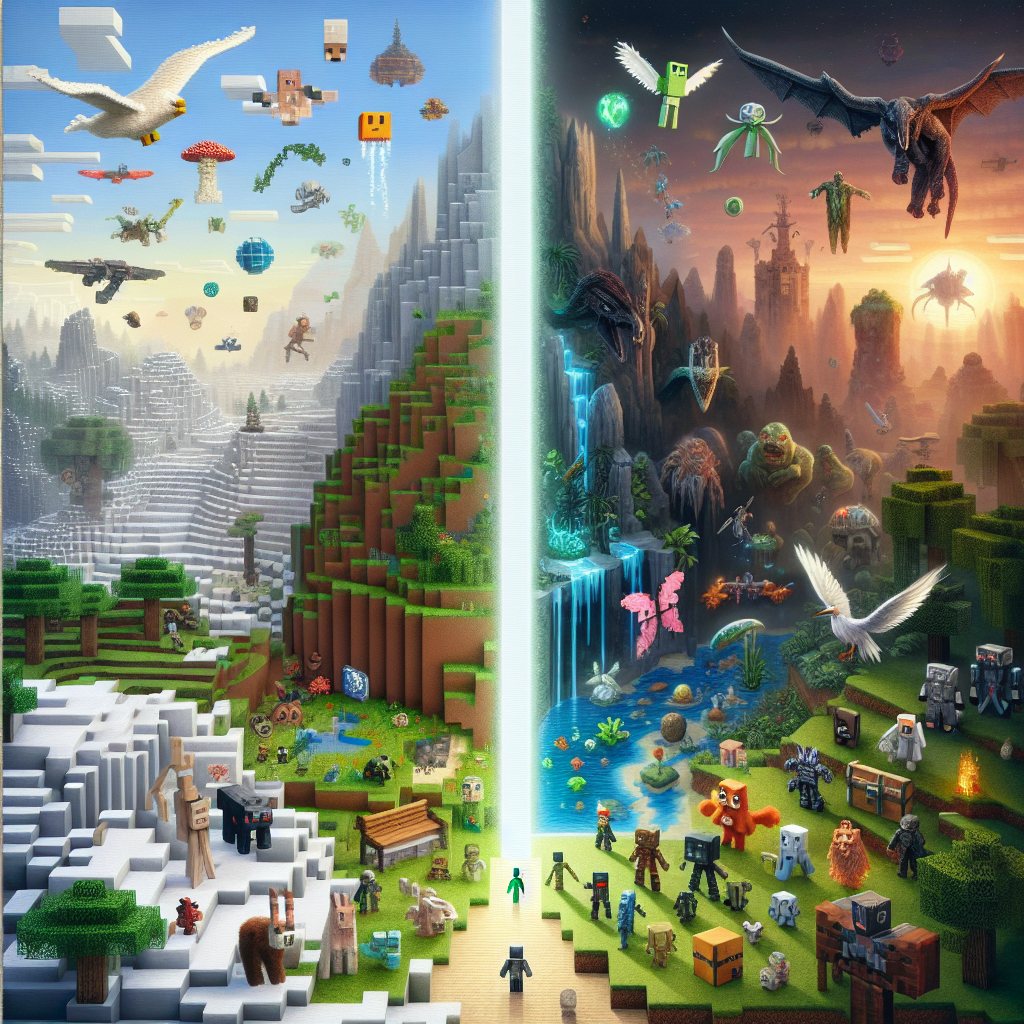
Exploring the Endless Possibilities of Modding in Minecraft by Mojang: A Guide for Beginners
Minecraft, since its inception by Mojang in 2011, has grown into a sandbox phenomenon, renowned for its creative freedom. Central to this creative explosion is the modding community, which empowers players to extend beyond the base game’s limitations. With countless mods available, the universe of Minecraft is limitless. This comprehensive guide is crafted to introduce beginners to the world of modding, underscore its possibilities, and provide step-by-step instructions to begin your journey.
Understanding Minecraft Modding
What is Modding?
Modding involves altering or adding to the game through custom modifications. These modifications, or “mods,” can range from small tweaks to expansive overhauls. Modding enables players to tailor the game to their preferences, introducing new gameplay mechanics, items, characters, and environments.
Why Mod?
- Enhanced Gameplay: Modify game rules, add quests, or introduce new game modes.
- Personal Expression: Showcase creativity by crafting your own tools, blocks, and worlds.
- Innovation: Experiment with new concepts within the game.
- Community Engagement: Join a vibrant community of creators and enthusiasts.
How to Get Started with Minecraft Modding
1. Setting Up Your Environment
Before diving into modding, prepare your environment with these essential steps:
Install Minecraft Java Edition:
- Mods are typically designed for the Java Edition, which offers flexibility and ease of use for modding purposes.
Java Development Kit (JDK):
- Download and install the JDK, a core necessity for running and developing mods in Java.
Minecraft Forge:
- Forge is the most widely-used Minecraft modding API. It facilitates mod loading and ensures compatibility between different mods. Visit their official website to download and install it.
2. Understanding Modding Frameworks
Minecraft Forge:
- As previously mentioned, Forge is fundamental for modders. It simplifies the process of mod integration and management.
Fabric:
- Fabric is another modding toolchain that provides lightweight and efficient alternatives for certain mods. It’s favored for its ease of use and rapid update cycle.
3. Exploring Existing Mods
Familiarizing yourself with existing mods can provide inspiration and insight into the possibilities. Here are popular categories and examples to consider:
- Performance Enhancements: OptiFine, Sodium
- Adventure and RPGs: Biomes O’ Plenty, Twilight Forest
- Technology and Automation: IndustrialCraft, Applied Energistics
- Magic and Fantasy: Thaumcraft, Botania
- Aesthetics and Decoration: Chisel, Pam’s HarvestCraft
4. Creating Your First Mod
Once you’re set up and inspired, it’s time to create your first mod.
Step 1: Understand Basic Java
Being a Java-based game, understanding Java is crucial. Online resources and tutorials on Java programming can serve as a starting point.
Step 2: Develop a Simple Mod
Start small. Try creating a mod to introduce a new block or item. Utilize online guides and the supportive community forums for assistance.
Step 3: Test and Iterate
Testing is critical. Run your mod using Forge to ensure it functions as intended. Make adjustments based on testing feedback.
Best Practices in Minecraft Modding
- Research and Plan: Before coding, research similar mods. Understand what works and what doesn’t.
- Experiment Safely: Always backup saves and work on copies to avoid corrupting your original files.
- Stay Updated: Mods may not be compatible with all game updates. Keep track of updates for both Minecraft and mods.
- Engage with the Community: Platforms such as Reddit, Planet Minecraft, and the official Minecraft forums are great resources for support and feedback.
Conclusion
The endless possibilities of modding in Minecraft are a testament to the creativity and ingenuity of its community. Whether you are enhancing personal gameplay, sharing innovations with the world, or diving deep into the technical aspects, modding offers an enriching extension to the Minecraft experience. Remember, every expert was once a beginner: start small, dream big, and unleash your creativity in the blocky world of Minecraft.
For continued learning and inspiration, explore community forums, join modding workshops, or watch tutorials. With time and practice, the art and science of modding can lead you to create your own unforgettable Minecraft experiences.