

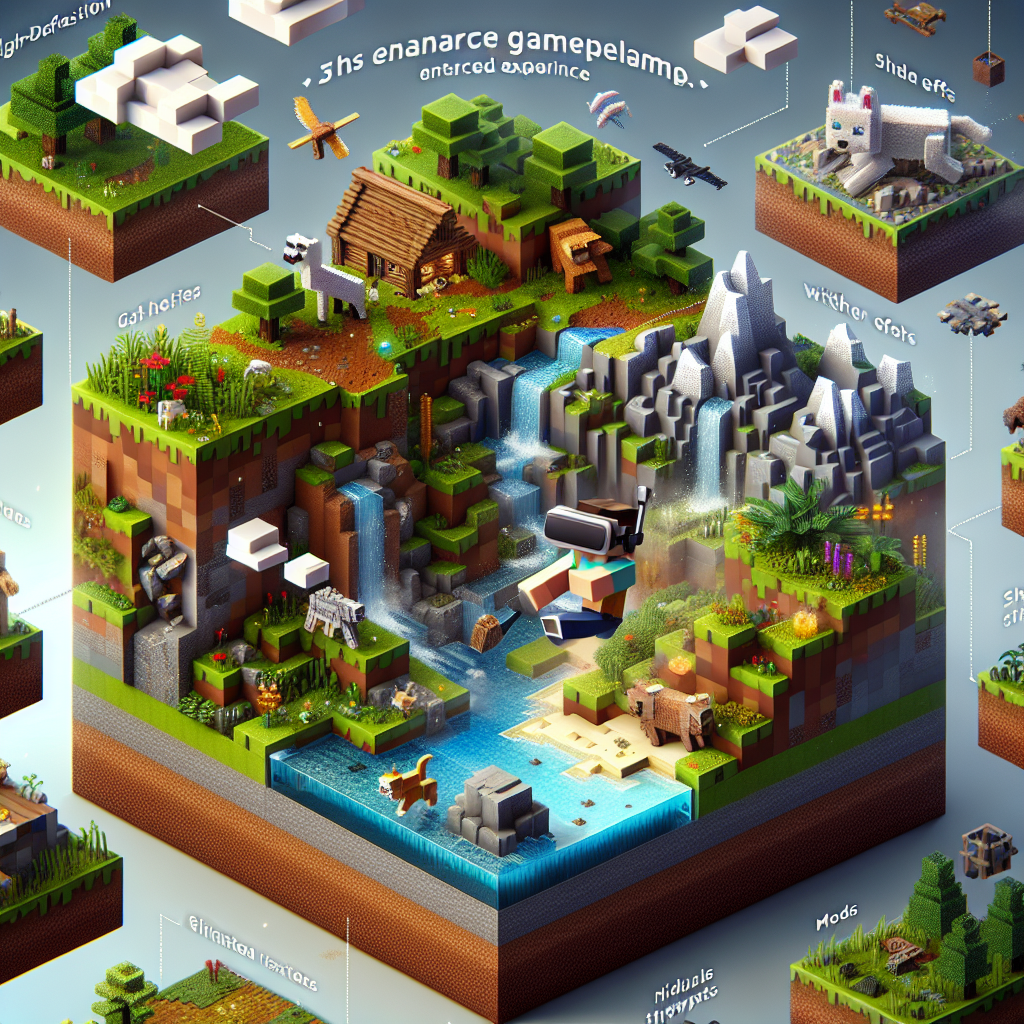
Discover the Best Mods for a Realistic Minecraft Experience
Minecraft, the beloved sandbox game developed by Mojang Studios, has captivated millions with its infinite possibilities and creative freedom. While the base game offers endless fun, many players seek to enhance their experience with mods that introduce realism and depth into the game. This article explores some of the best Minecraft mods for achieving a more realistic experience, adding layers of complexity and immersion to your gameplay.
What are Minecraft Mods?
Minecraft mods are user-generated modifications or enhancements to the original game. These mods can alter gameplay dynamics, introduce new features, and even overhaul the game’s aesthetics. For those looking to take their Minecraft experience to a more realistic level, certain mods recreate lifelike environments, physics, and survival elements.
Why Realism in Minecraft?
The charm of Minecraft lies in its blocky, cartoonish graphics and simple mechanics. However, realism mods can transform this pixelated amusement park into a more plausible world:
- Enhanced Survival: Introduces real-world survival challenges.
- Detailed Graphics: Experience life-like landscapes.
- Physics and Mechanics: Simulate real-world physics.
Best Mods for Realistic Minecraft Experience
1. Realistic Terrain Generation (RTG)
- Description: RTG emphasizes creating beautiful, realistic landscapes.
- Features: Dynamic elevations, realistic biomes, and geographic formations that mirror real-world ecosystems.
- Benefits: Transforms terrain generation to mirror real-world landscapes, offering breathtaking vistas and greater exploration diversity.
2. OptiFine
- Description: A core mod designed to overhaul Minecraft’s graphical capabilities.
- Features: Enhanced textures, dynamic lighting, improved shading, and support for HD textures.
- Benefits: Allows for more detailed visuals and performance optimization, creating a visually appealing and smooth gameplay experience.
3. Serene Seasons
- Description: Adds changing seasons to the game.
- Features: Each season affects gameplay; for instance, winter brings snow-covered landscapes, while summer can impact crop growth.
- Benefits: Makes your in-game world feel alive and ever-changing, resembling real-world seasonal cycles and their impacts on ecosystems.
4. Dynamic Surroundings
- Description: Focuses on atmospheric realism.
- Features: Environmental sounds, weather effects, active auroras, and more.
- Benefits: Enhances immersion by adding ambient sound effects and visual elements, making the Minecraft world feel alive and reactive.
5. Realistic World Gen (RWG)
- Description: Focuses on enhancing the world-building aspect of Minecraft.
- Features: Introduces realistic landscape formation, realistic climate distribution, and varied geological formations.
- Benefits: The landscapes generated are more authentic and visually appealing, offering a true-to-life nature experience.
6. Better Foliage
- Description: Adds detail to Minecraft’s natural elements.
- Features: Thicker trees, fuller grass, and more intricate plant life.
- Benefits: Makes flora more lush and vibrant, creating a more delightful and immersive experience in nature-dominant biomes.
7. Tough As Nails
- Description: Brings real-life survival elements into the game.
- Features: Introduces temperature and thirst mechanics, requiring players to adapt to environmental conditions.
- Benefits: Adds depth to survival gameplay, challenging players to manage basic human survival needs alongside traditional Minecraft mechanics.
8. Pam’s HarvestCraft
- Description: Overhauls Minecraft’s food and farming systems.
- Features: New crops, recipes, and food mechanics.
- Benefits: Enhances farming realism with diverse crops and cooking recipes, offering a richer and more engaging culinary experience.
Tips for Installing and Managing Mods
- Use a Mod Manager: Tools like Forge and Fabric make installing and managing mods easier.
- Check Compatibility: Ensure mods are compatible with your Minecraft version.
- Backup Saves: Always back up your world saves before installing new mods.
- Read Instructions: Follow mod instructions carefully to avoid game crashes.
Conclusion
Incorporating these mods into your Minecraft experience can culminate in a game that’s not only visually stunning but also enriched with realistic survival elements and immersive dynamics. While modding can introduce new challenges, the payoff is a deeply authentic experience that mines new appreciation for the game’s mechanics and depth. By focusing on enhanced survival, better graphics, and complex environments, these mods hold the key to transforming your blocky adventures into lifelike escapades. Embark on your journey to a more realistic Minecraft world today!