

Top Minecraft Texture Packs to Transform Your Gaming Experience in 2023
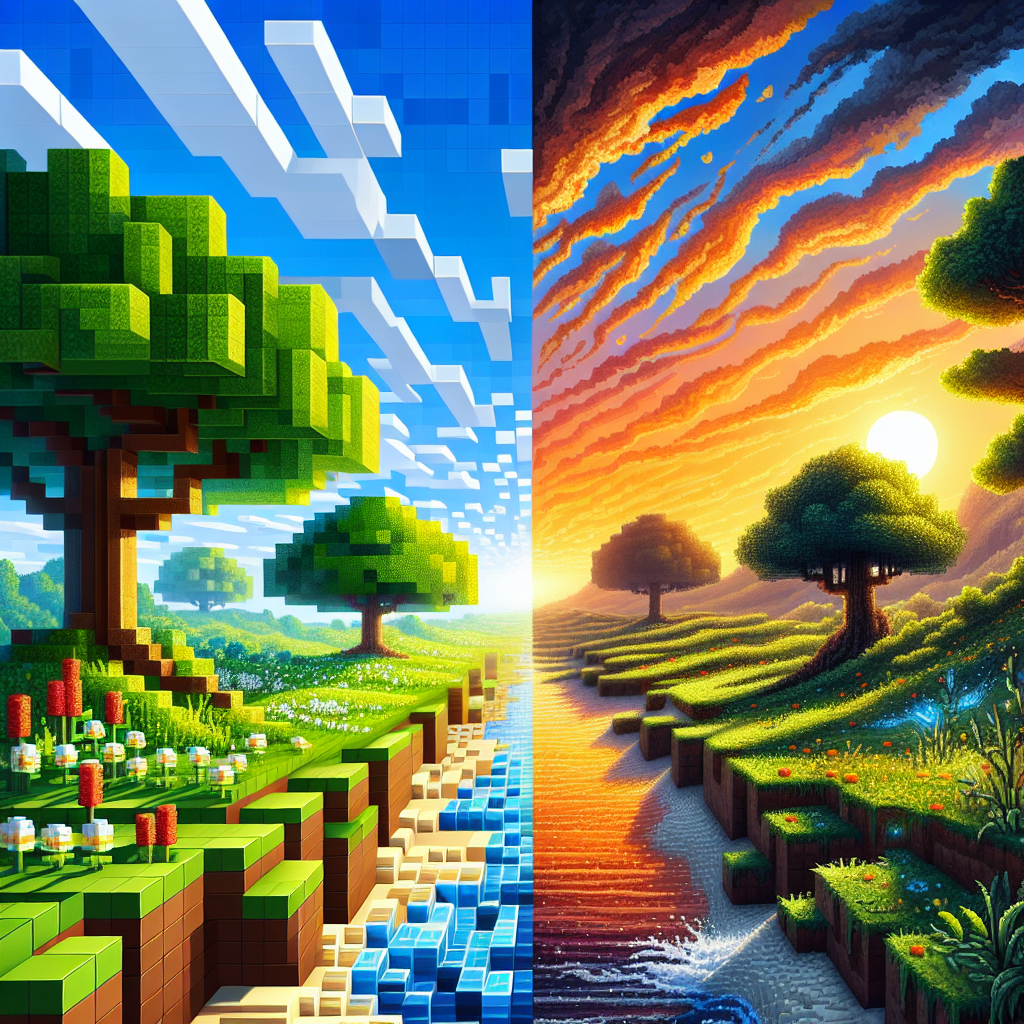
Minecraft continues to capture the hearts of millions worldwide, with its open-world sandbox experience that allows for endless creativity. One of the most exciting ways to customize your Minecraft experience is by using texture packs. These packs modify the game’s visuals to create a more immersive and personalized world. In 2023, several texture packs stand out for their creativity, craftsmanship, and ability to transform the game into a new adventure. Here’s a detailed look at the top Minecraft texture packs that will redefine your gaming experience this year.
What Are Minecraft Texture Packs?
Before diving into the list, let’s clarify what Minecraft texture packs are. These are downloadable files that change the appearance of blocks, items, mobs, and the environment in the game. By altering textures, these packs can enhance the game’s graphics, turn it into a fantasy realm, or even make it look more realistic. They don’t affect the game’s mechanics but offer a new visual experience.
Why Use Minecraft Texture Packs?
- Enhanced Graphics: Texture packs can significantly improve the visuals of the game, making it more appealing.
- Personalization: They allow you to tailor your Minecraft world according to your preferences, whether you like a medieval atmosphere or a vibrant, cartoonish universe.
- Improved Performance: Some texture packs can make the game run smoother on less powerful hardware.
Top Minecraft Texture Packs in 2023
1. Faithful x64
Faithful x64 is a high-resolution continuation of the classic Faithful texture pack. It retains the original Minecraft feel while enhancing the textures to make them more detailed. This pack is perfect for players who want an upgraded visual experience without losing the essence of Vanilla Minecraft.
- Features:
- Twice the resolution of standard textures.
- Maintains the original color palette.
- Regularly updated to support new game updates.
2. Sphax PureBDcraft
Sphax PureBDcraft is known for its cartoonish and playful style that drastically changes the look and feel of Minecraft. Inspired by comic books, this pack is filled with vibrant colors and a whimsical design that appeals to players of all ages.
- Features:
- Comic-style graphics.
- Available in multiple resolutions, making it compatible with various hardware specifications.
- Supports multiple Minecraft mods.
3. Realistic
For players looking for unparalleled realism, Realistico is the go-to texture pack. It offers photorealistic textures and brilliant lighting effects, making your Minecraft world look incredibly lifelike. This pack requires a powerful PC to run smoothly due to its high-quality graphics.
- Features:
- High-definition textures with realistic shading.
- Enhanced lighting and shadows with support for shaders.
- Perfect for creative builds and immersive gameplay.
4. John Smith Legacy
John Smith Legacy is ideal for players who love medieval and fantasy settings. This texture pack offers dark, moody visuals that fit perfectly into any survival or role-playing server. Its intricate designs are perfect for creating castles, dungeons, and more.
- Features:
- Medieval and fantasy-inspired textures.
- Extensive customizations for blocks and items.
- Regularly updated to stay current with Minecraft updates.
5. ModernArch R
For those who prefer contemporary architecture and design, ModernArch R is tailored to create sleek, modern environments. This texture pack turns Minecraft into a high-end architectural visualization, ideal for modern builds like skyscrapers and stylish homes.
- Features:
- Realistic and modern textures with PBR (Physically Based Rendering).
- Enhanced lighting effects ideal for modern design aesthetics.
- Complementary to RTX ray tracing capabilities.
6. Ovo’s Rustic
Ovo’s Rustic pack offers a warm, rustic feel that is ideal for those who enjoy pastoral themes. With its earthy tones and cozy textures, this pack brings a homely atmosphere to any Minecraft build.
- Features:
- Warm, earthy color palette.
- Great for rustic and rural builds.
- Lightweight and easy to run.
How to Install Texture Packs
Installing texture packs in Minecraft is a straightforward process:
- Download your chosen texture pack from a reputable source.
- Open Minecraft and go to “Options,” then “Resource Packs.”
- Click “Open Resource Pack Folder” to access your texture pack directory.
- Drag and drop the downloaded file into this folder.
- Return to Minecraft and select your new texture pack from the “Resource Packs” menu.
Conclusion
In 2023, the world of Minecraft texture packs offers something for everyone, whether you’re a fan of realism, fantasy, or modern design. These packs can transform your gaming experience, providing new ways to explore and create in the ever-evolving world of Minecraft. Remember always to download texture packs from trusted sources to ensure safety and compatibility with your game. Dive in, explore these fantastic texture packs, and give your Minecraft world the makeover it deserves!